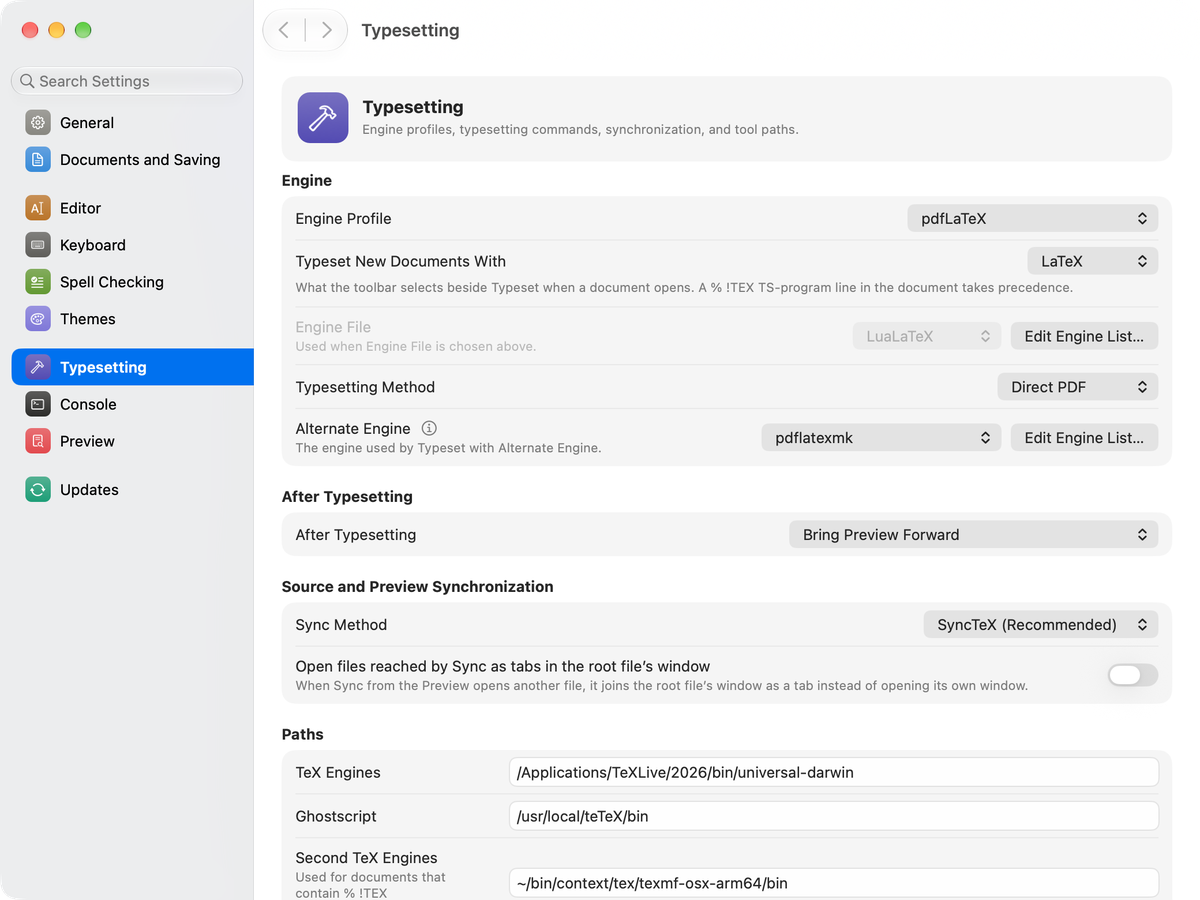
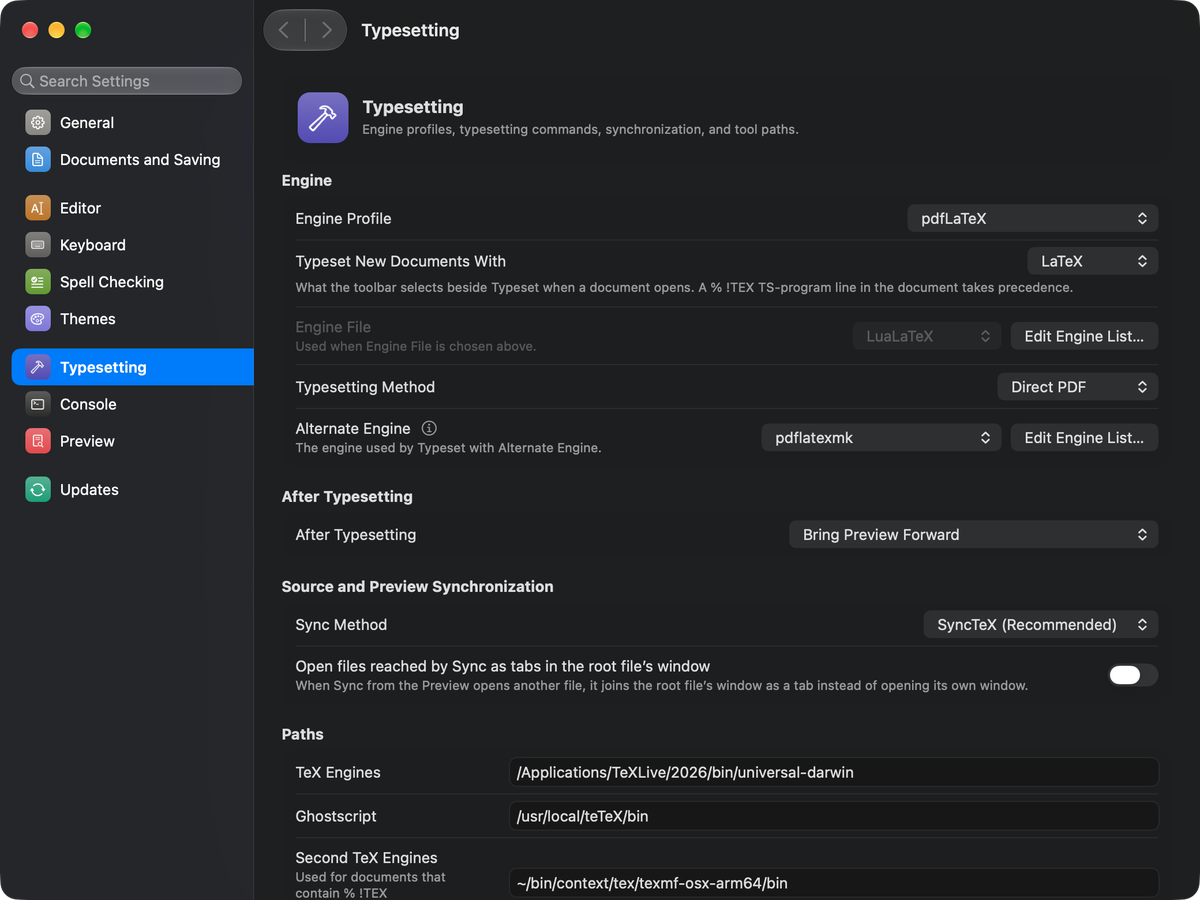
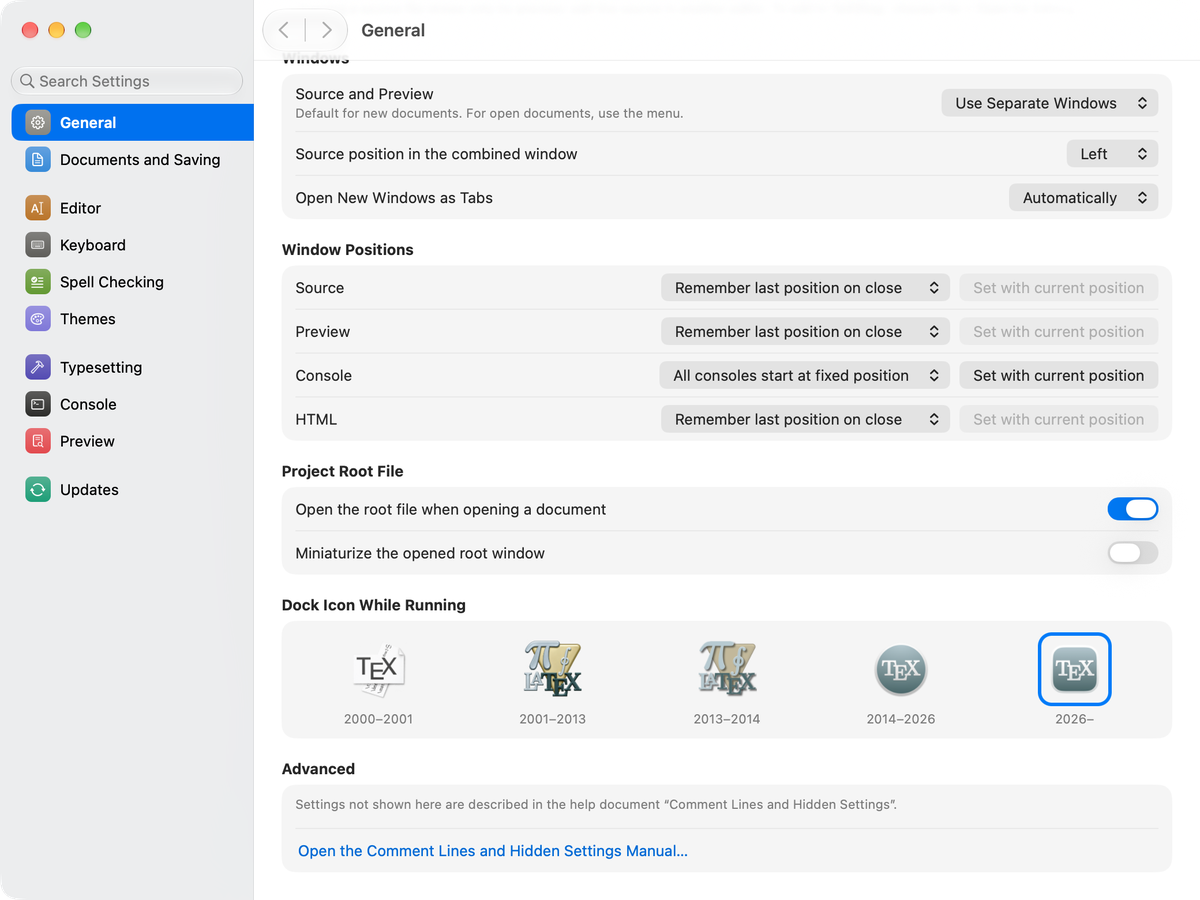
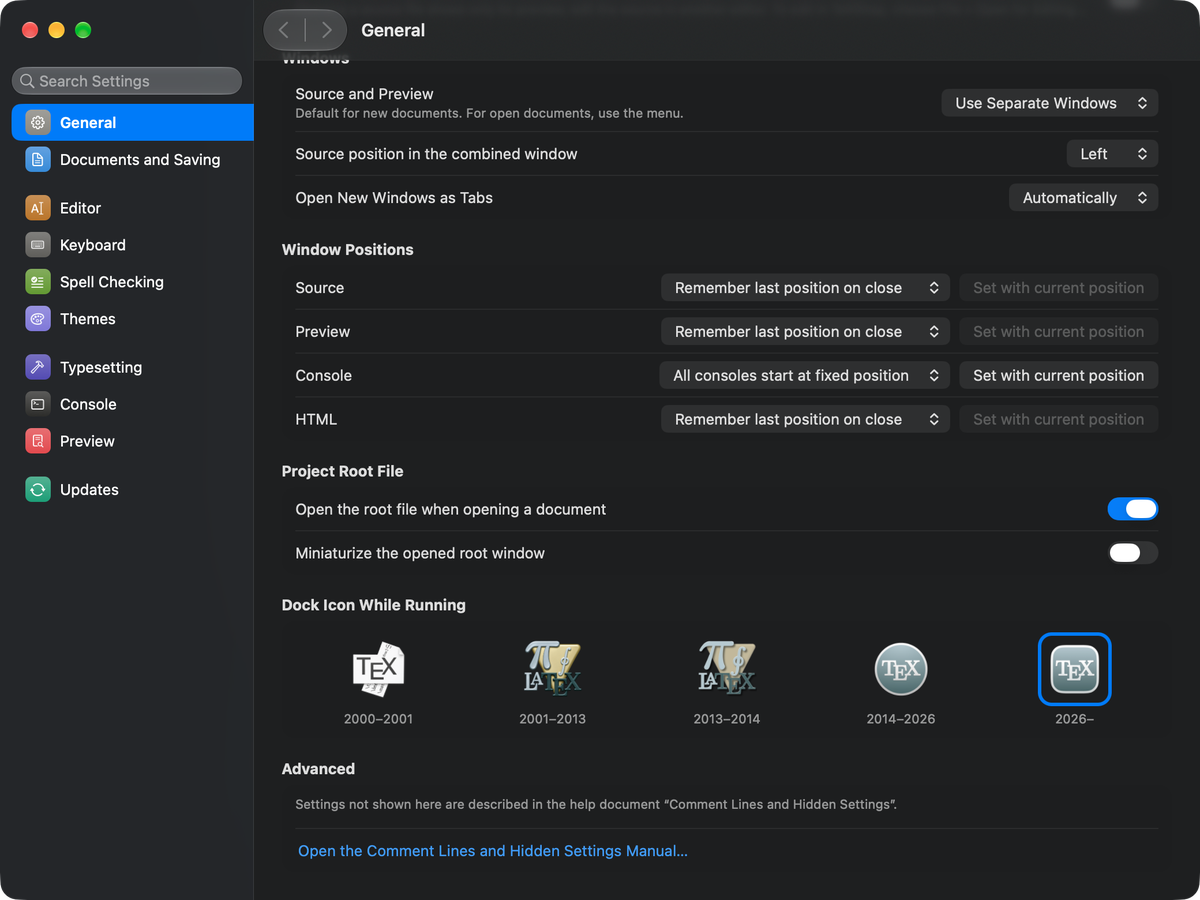
A redesigned Settings window
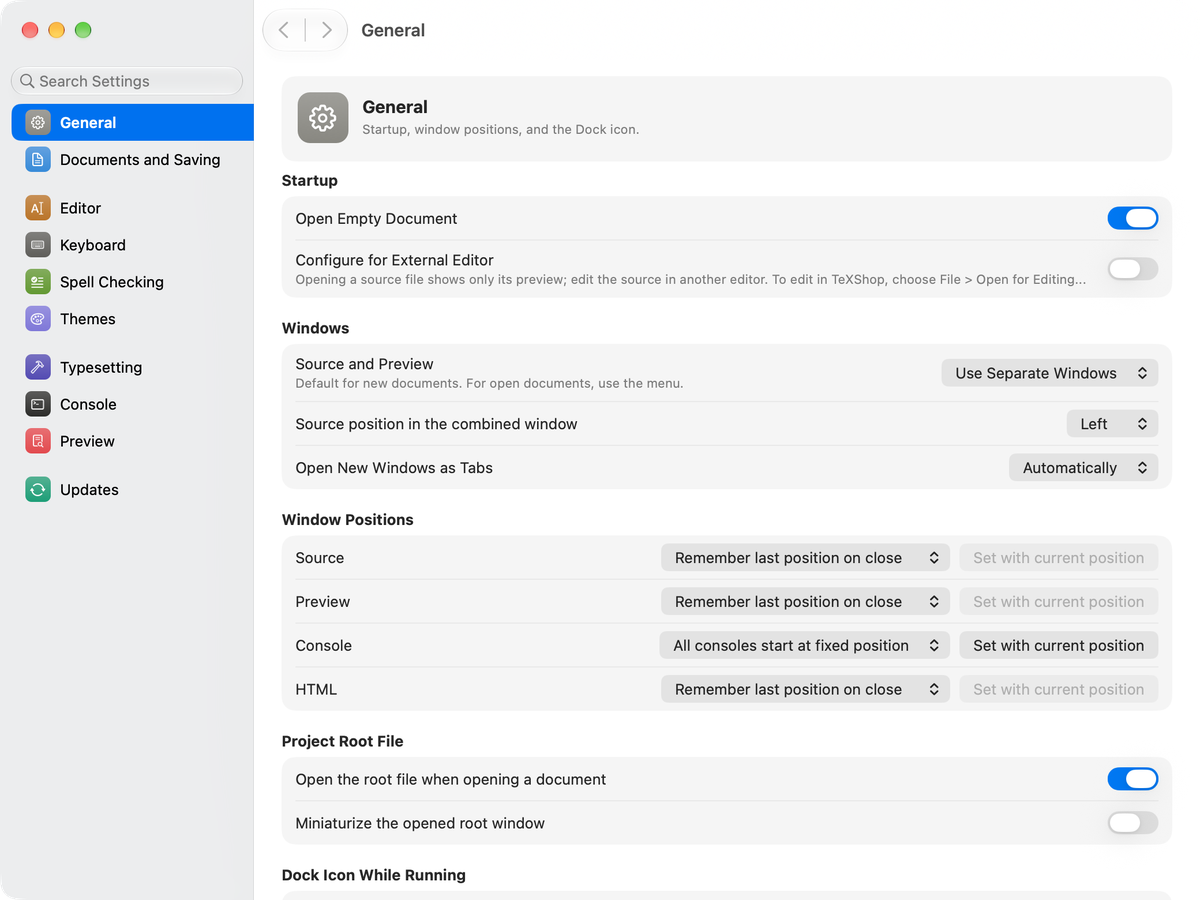
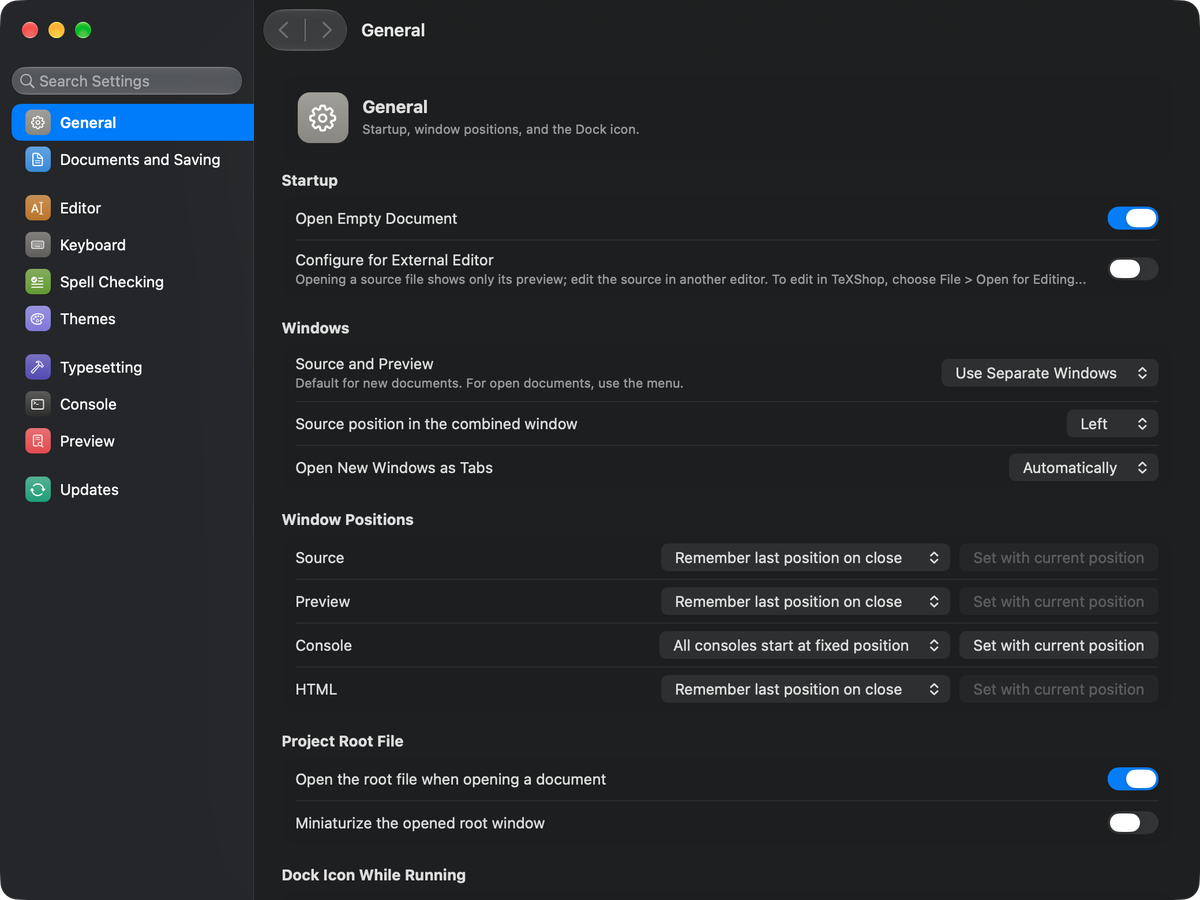
A new Settings window with a sidebar and a search field.
 TeXShop
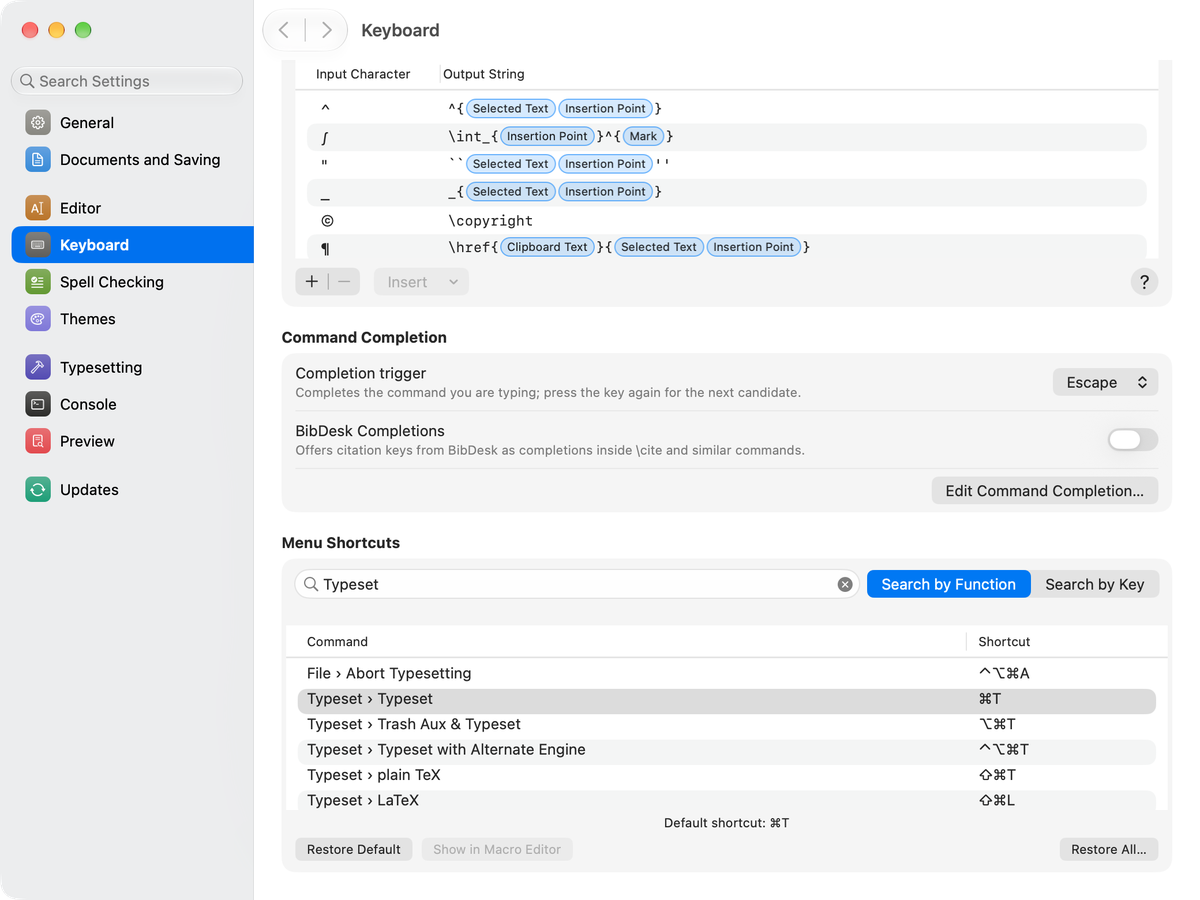
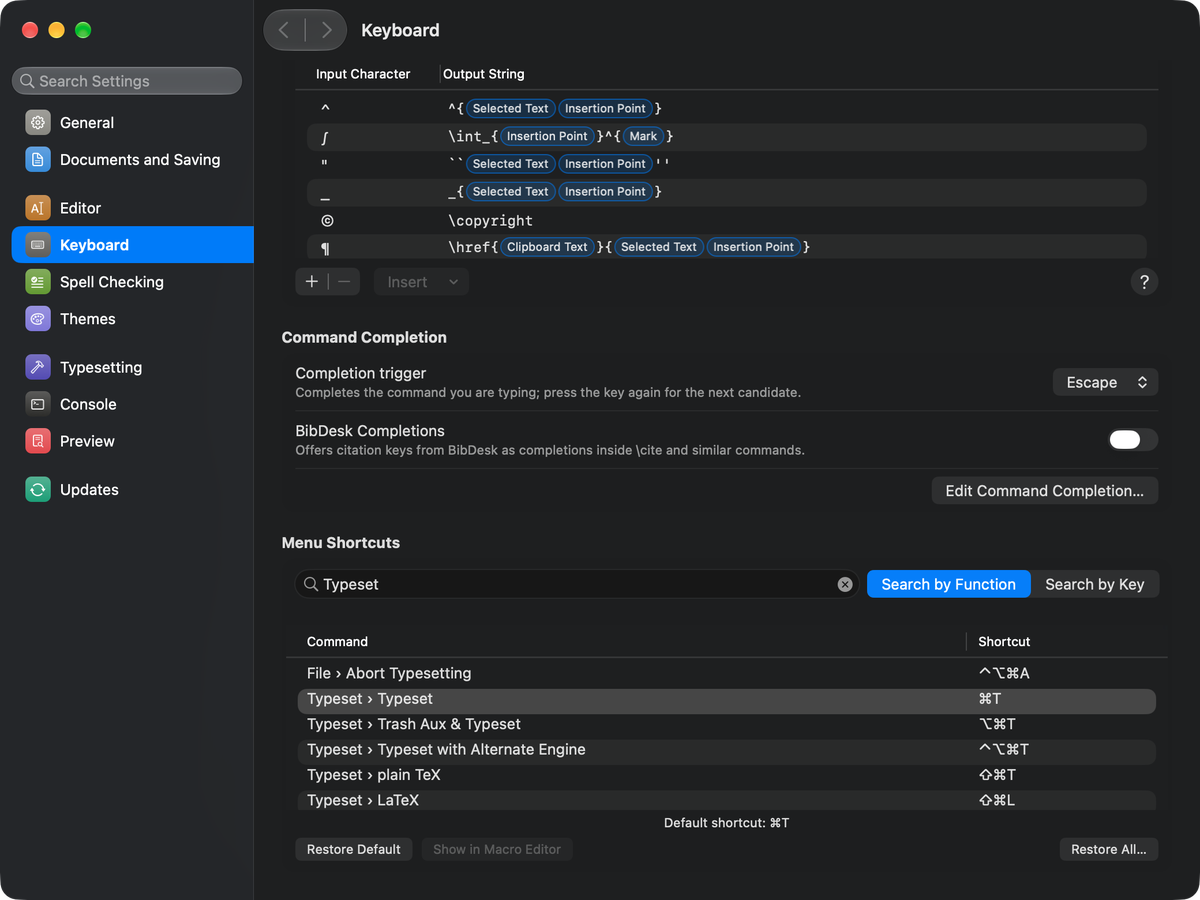
The new TeXShop 6 redesigns Settings in the style of macOS System Settings. Every key binding can now be customized, and a spell checker that understands LaTeX syntax is built in. The newly designed Find panel also does multiple replacement. Automatic TeX paths and engine profiles make the first setup easy. A status bar can show the character count and more at all times. The app icon also has a new design for the design language of macOS 26 Tahoe and later.
A new Settings window with a sidebar and a search field.
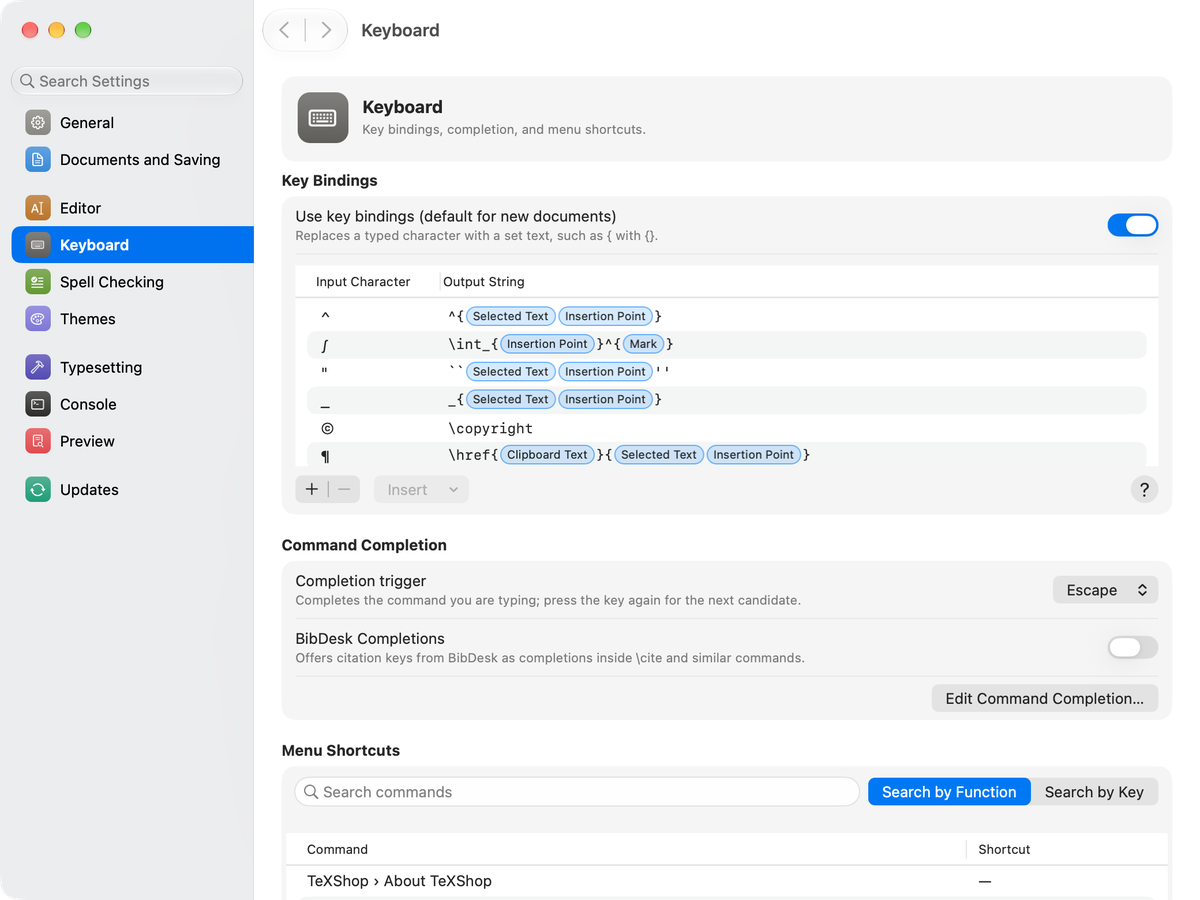
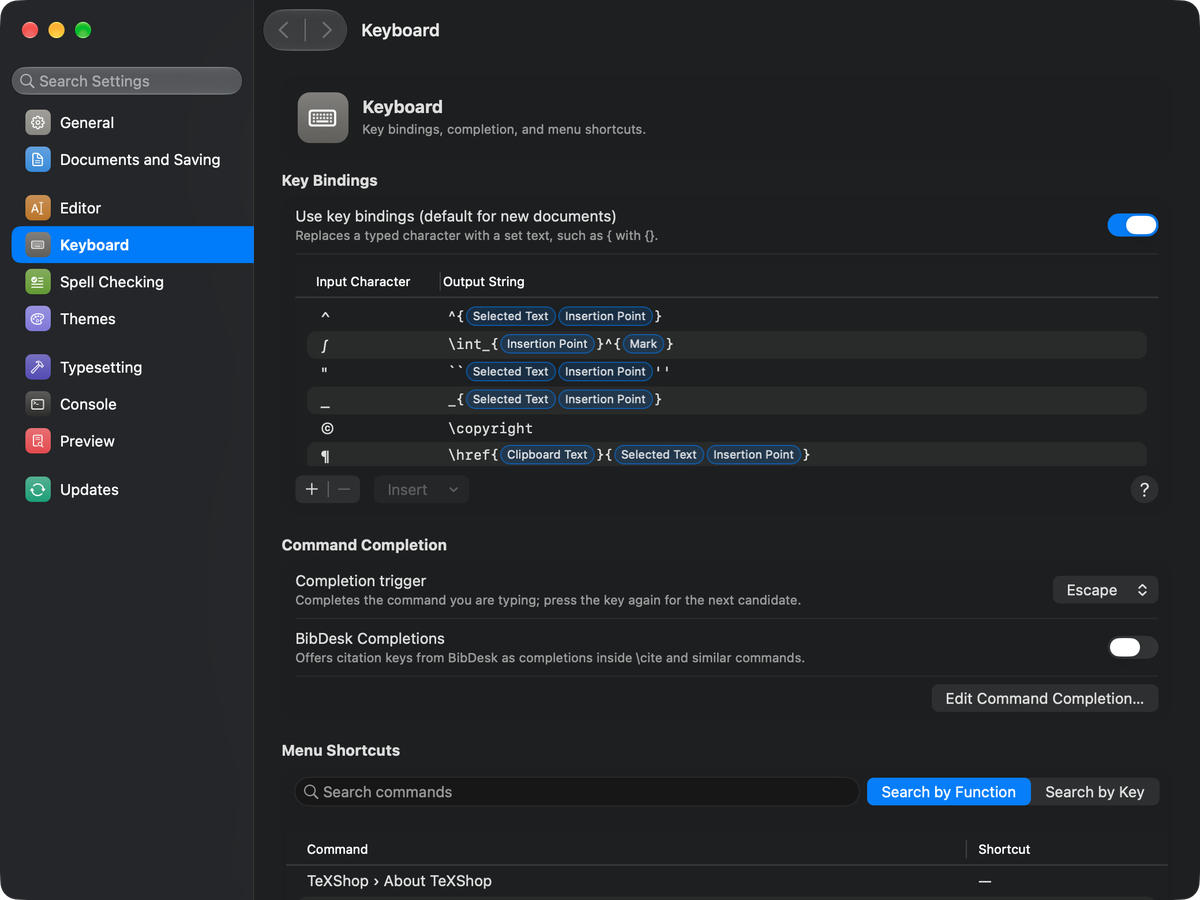
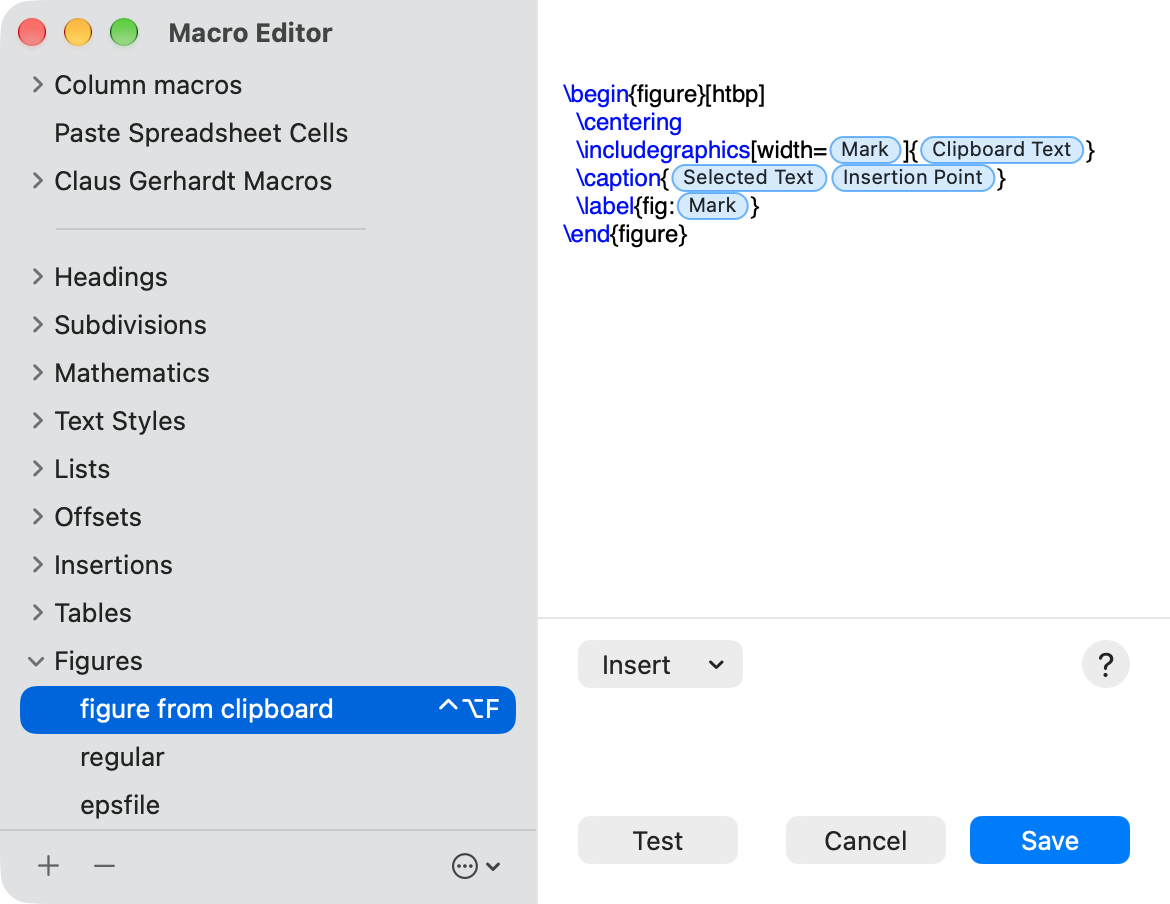
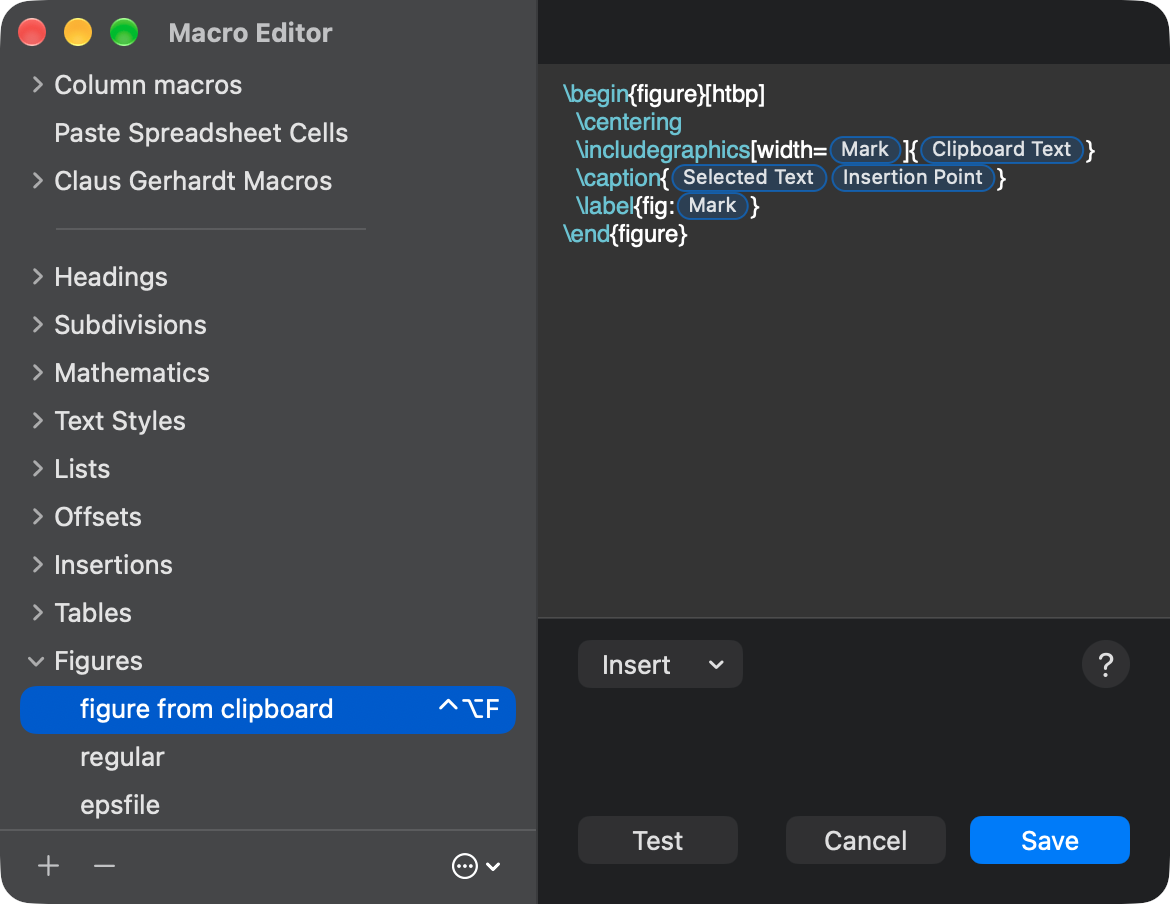
Customize every menu and macro shortcut, and key bindings.
Check the spelling of the text alone, skipping TeX commands, mathematics and comments.
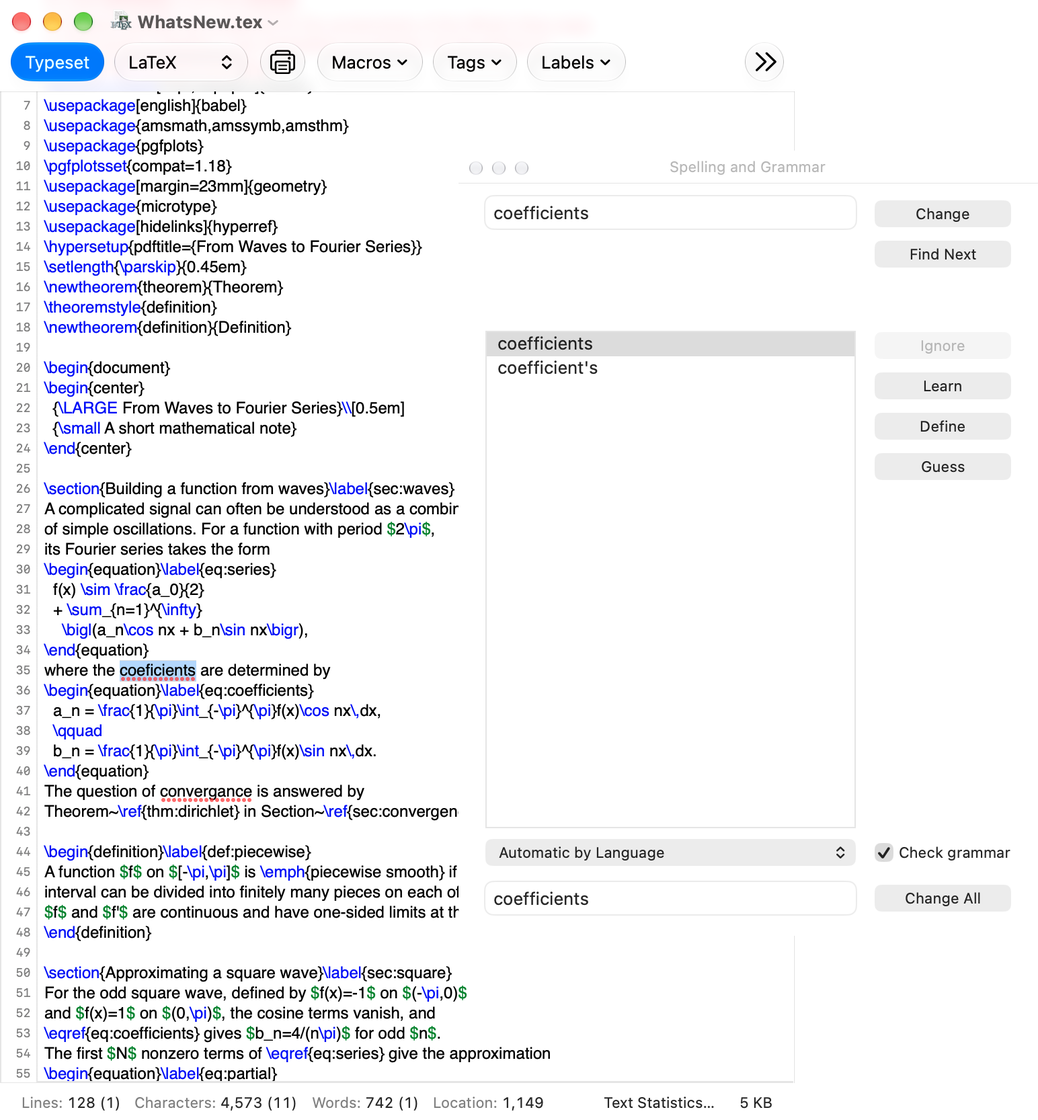
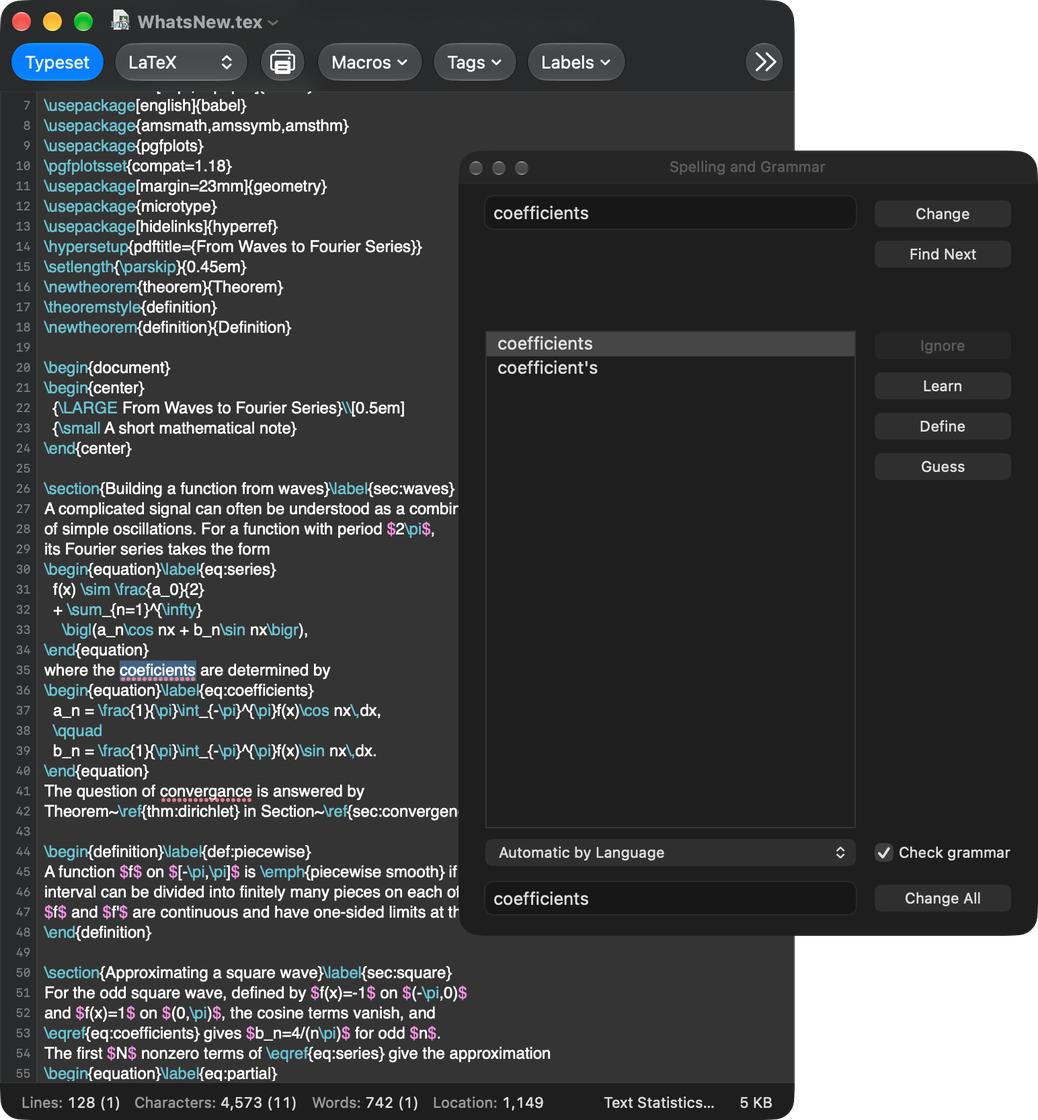
A new Find panel with regular expressions lists or highlights every match.
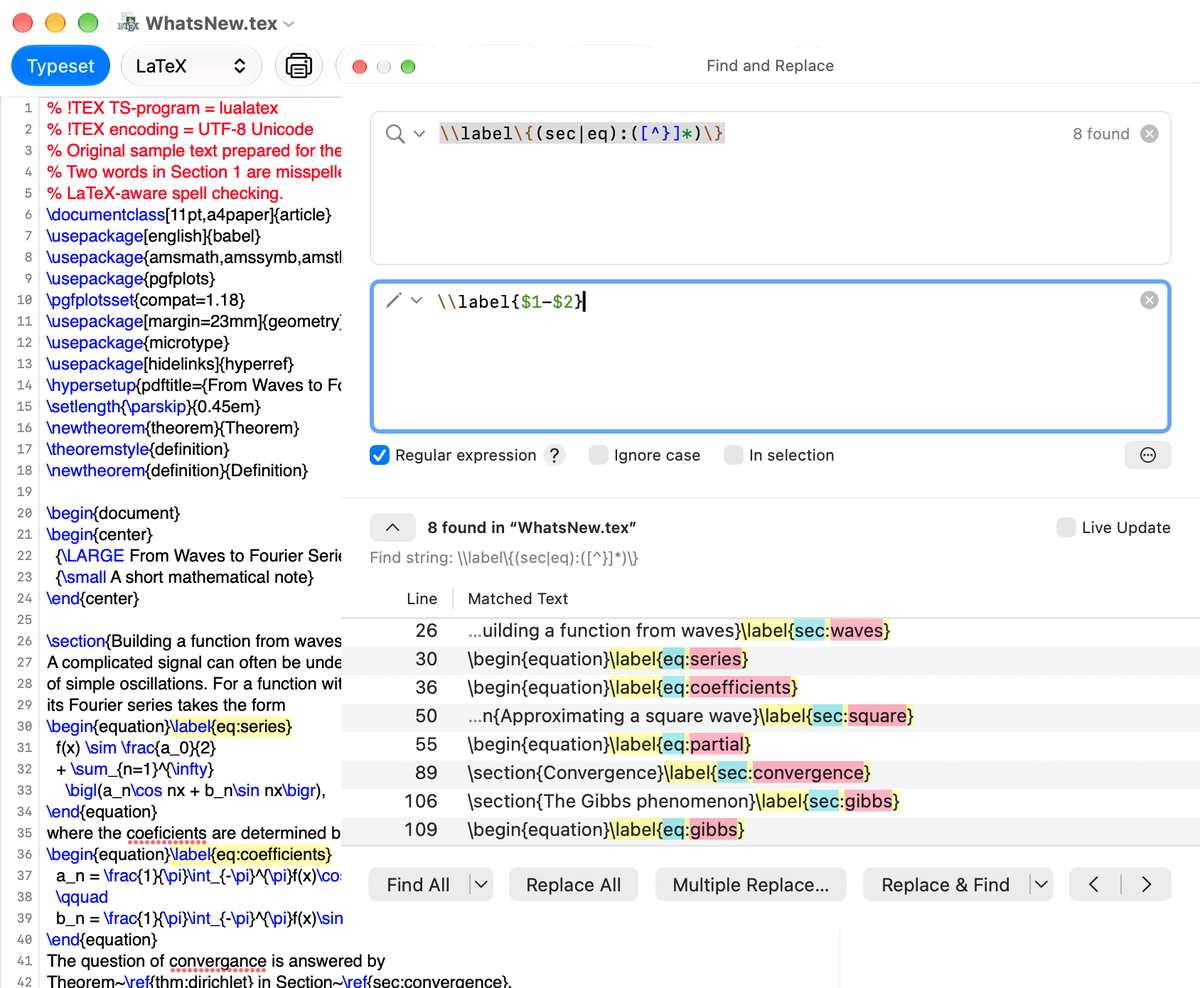
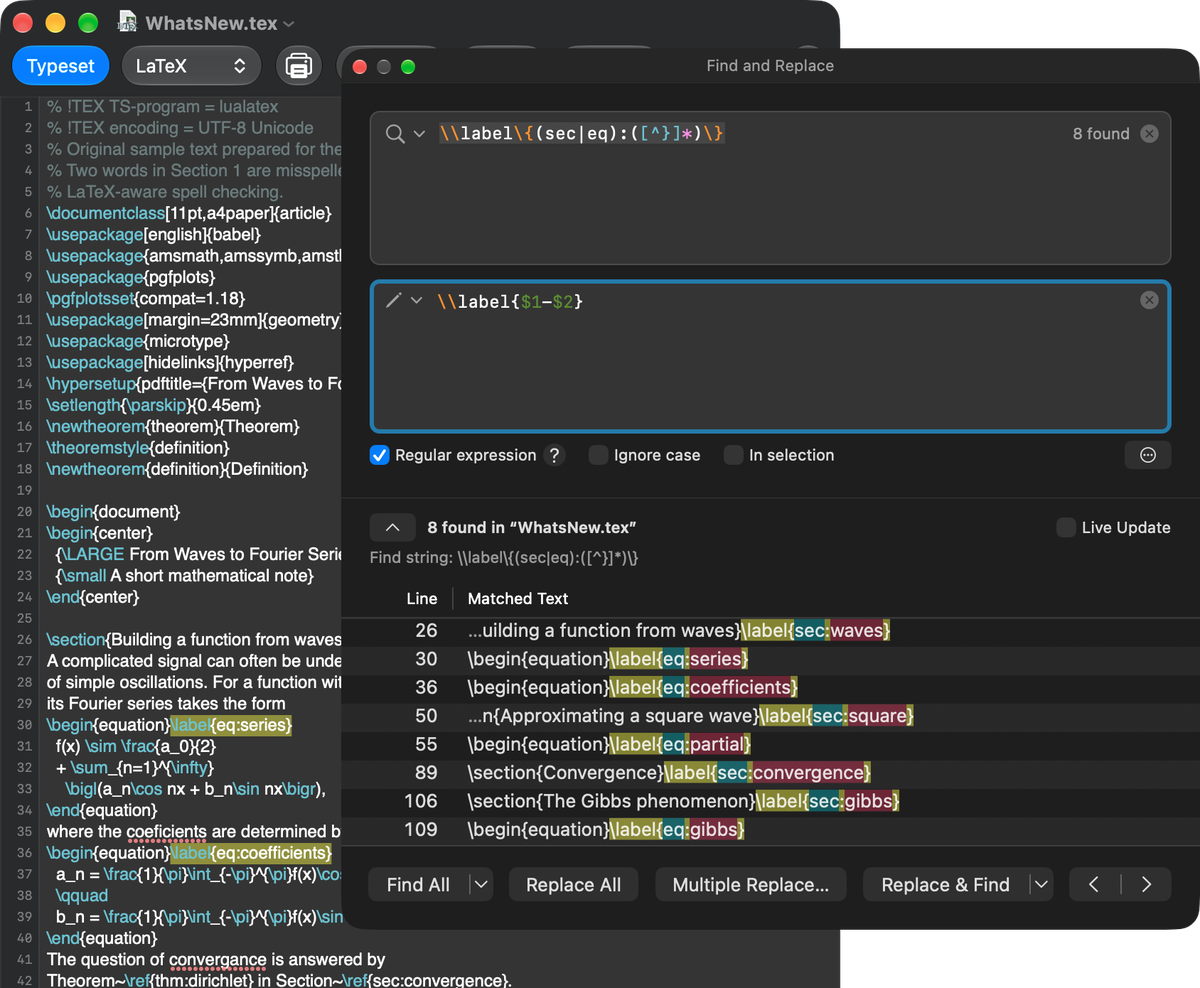
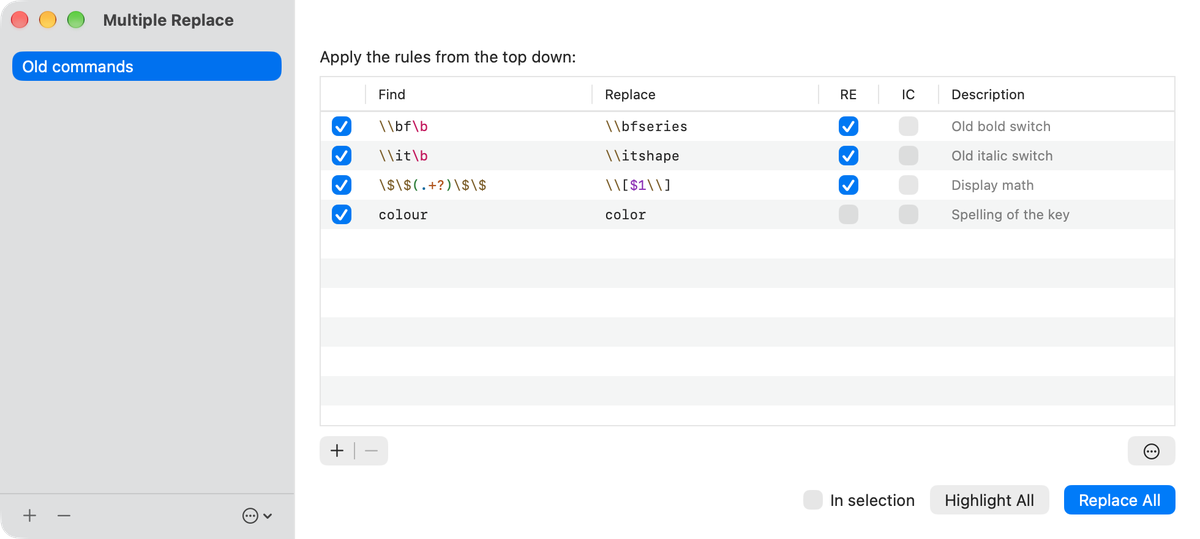
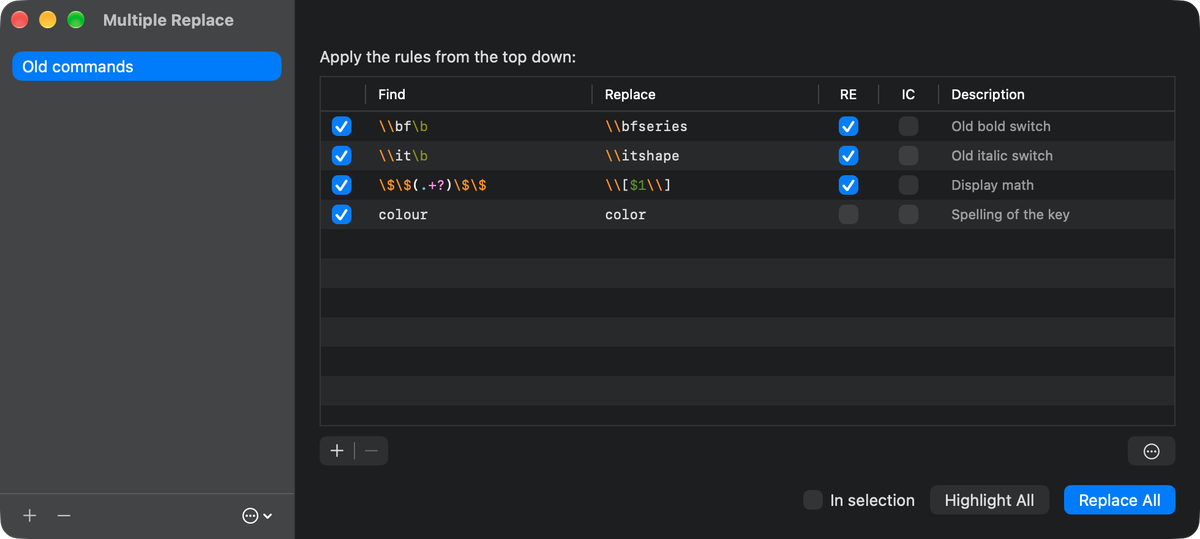
Save sets of find and replace pairs and apply them all at once.
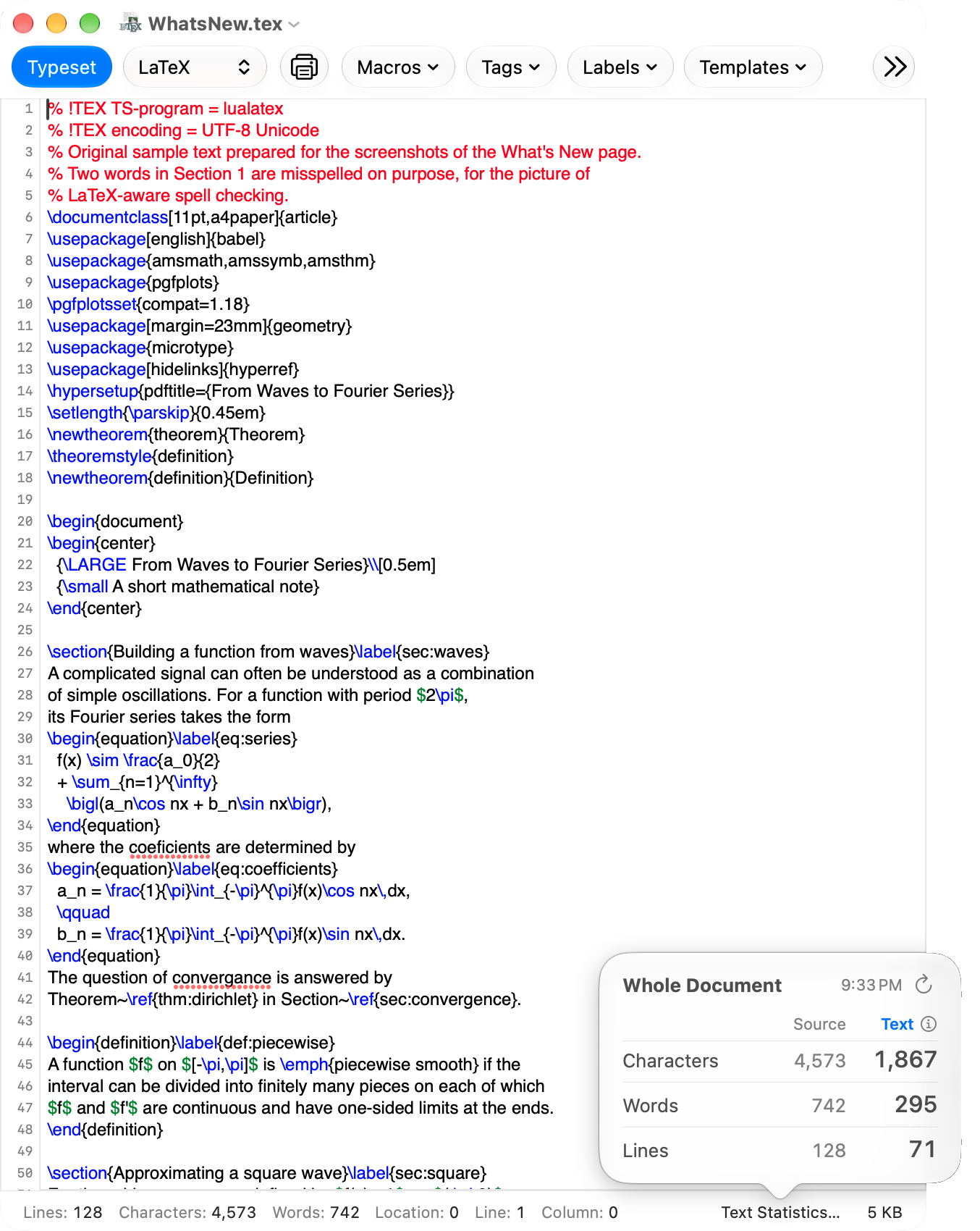
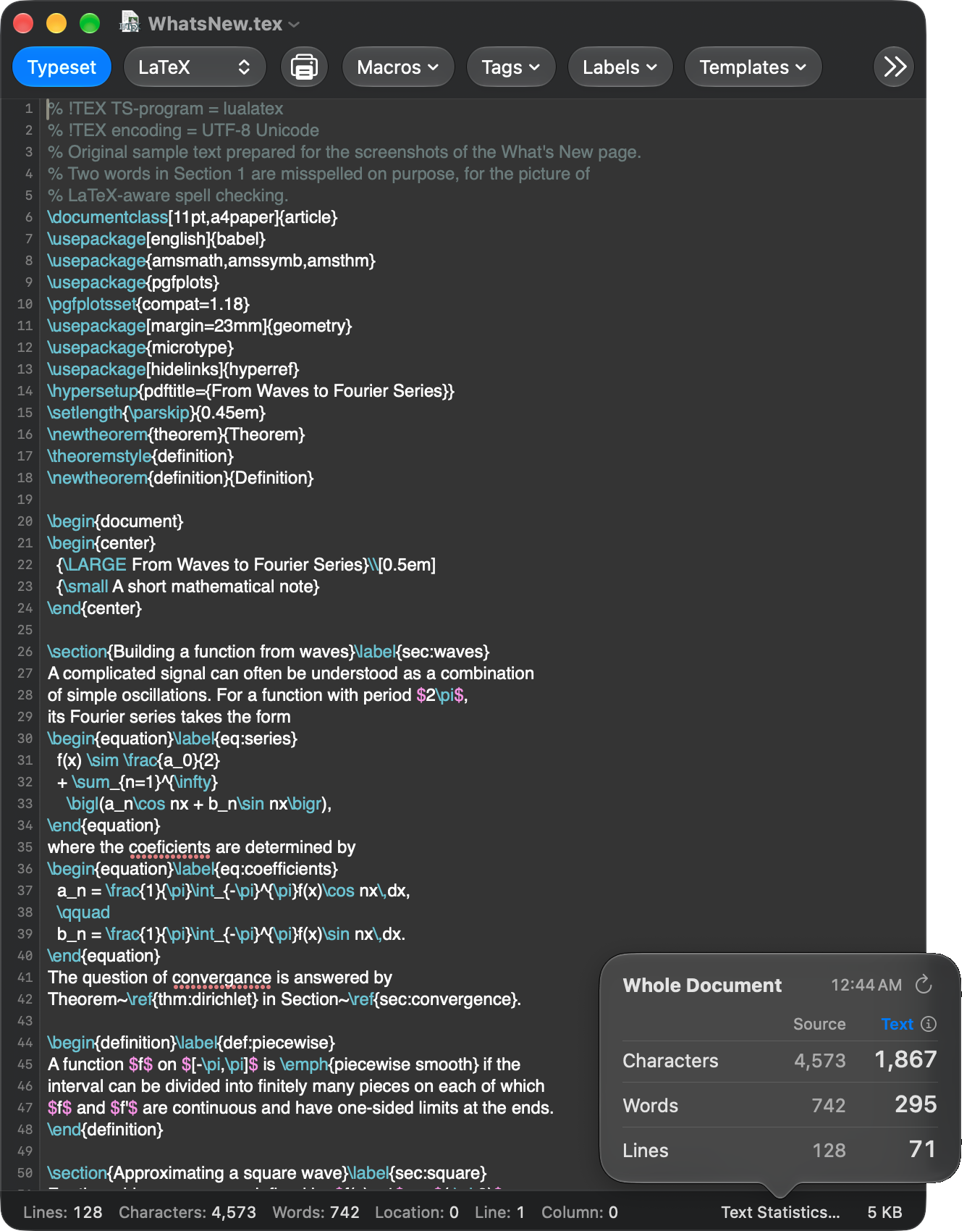
The lines, characters and words can always be shown under the source. The characters of the text without TeX commands can be counted too.
TeXShop searches for the TeX distribution and Ghostscript and sets their paths, which makes the first setup easy.
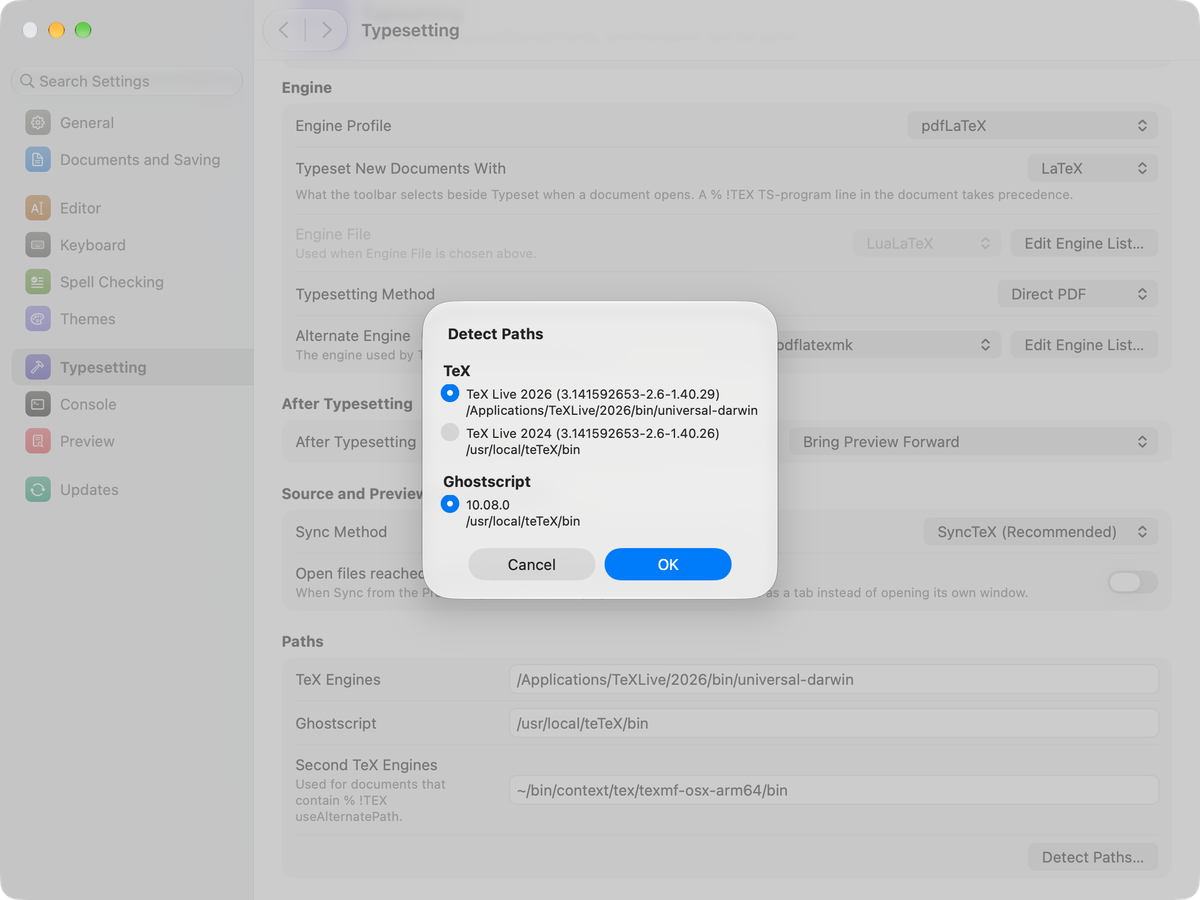
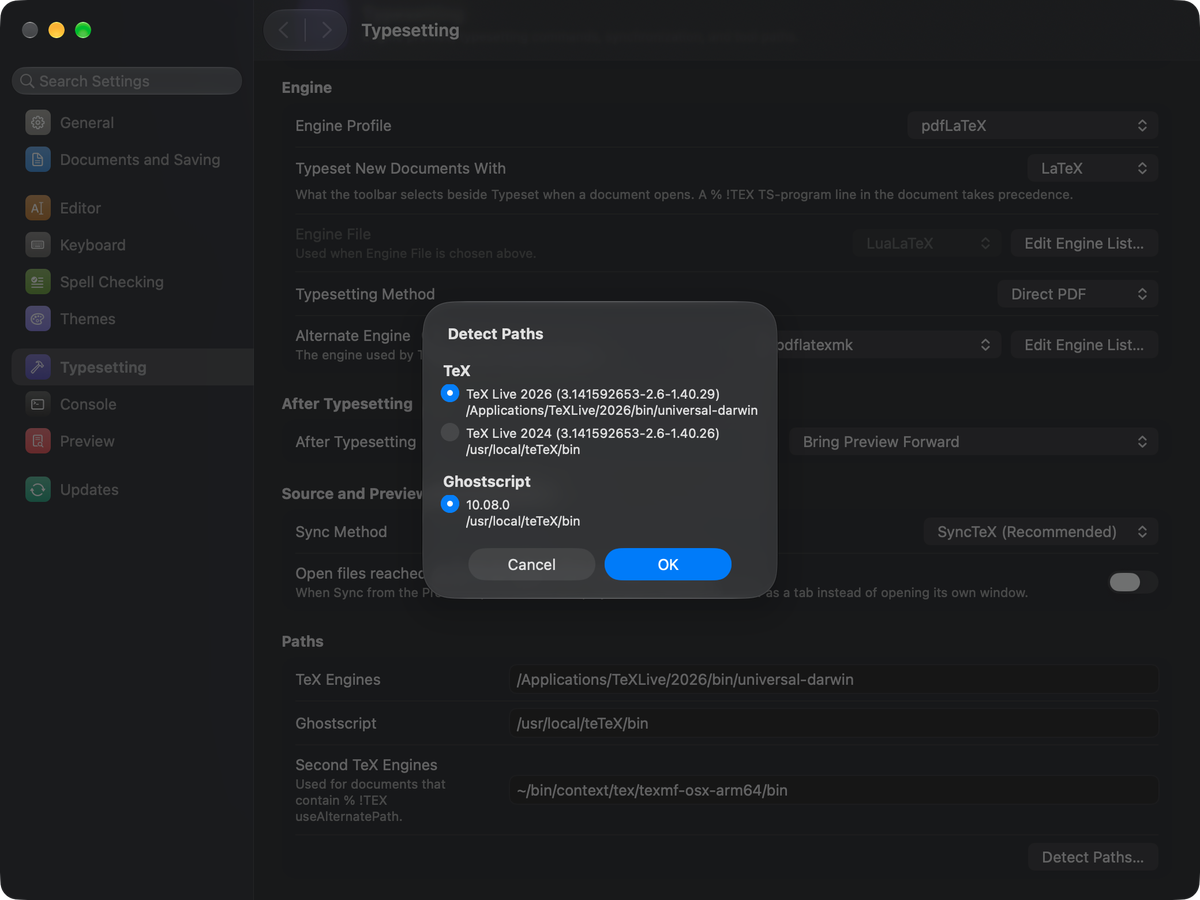
Profiles for the major engines, such as pdfLaTeX, LuaLaTeX and XeLaTeX, make choosing the engine easy at the first setup.
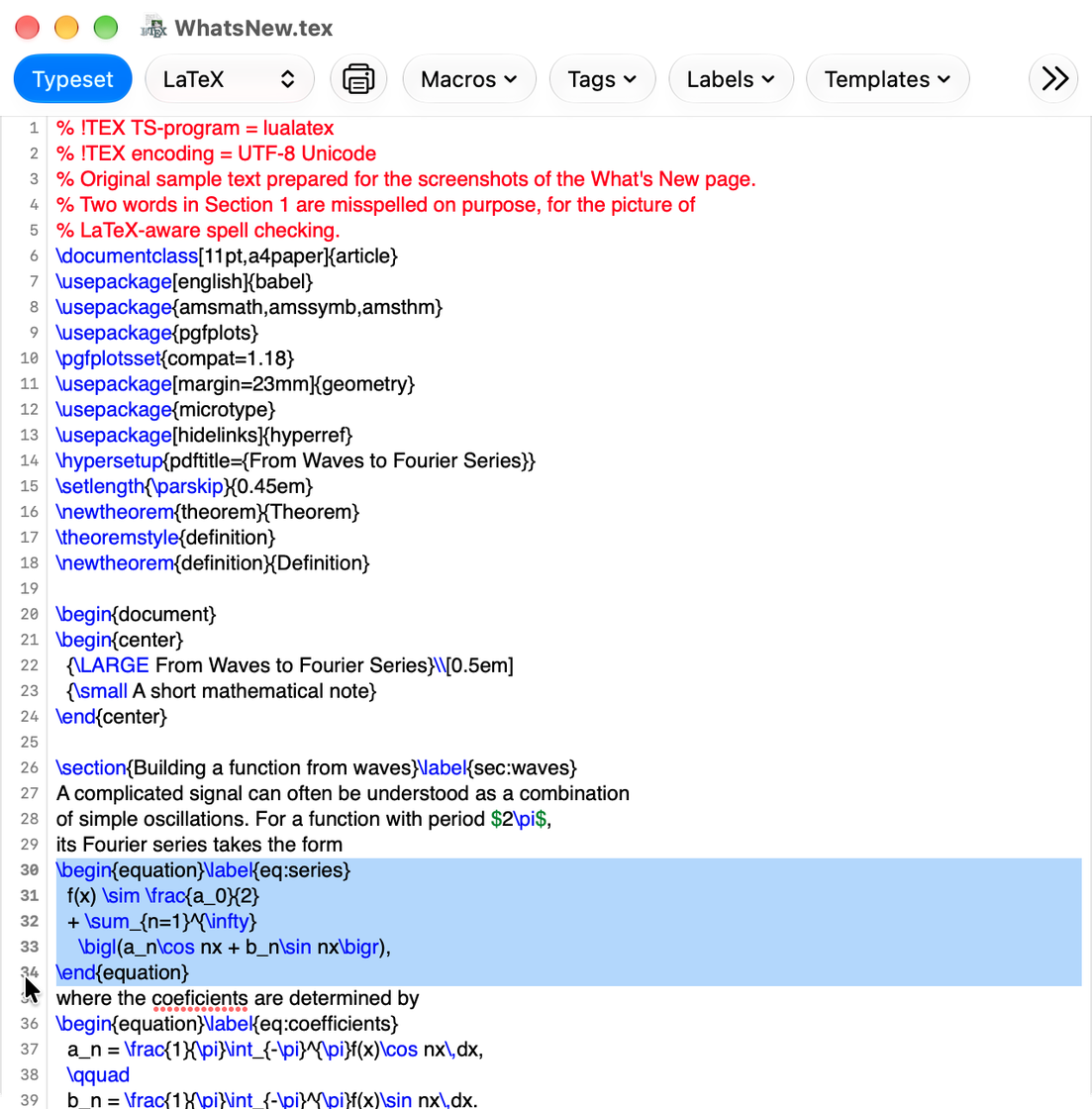
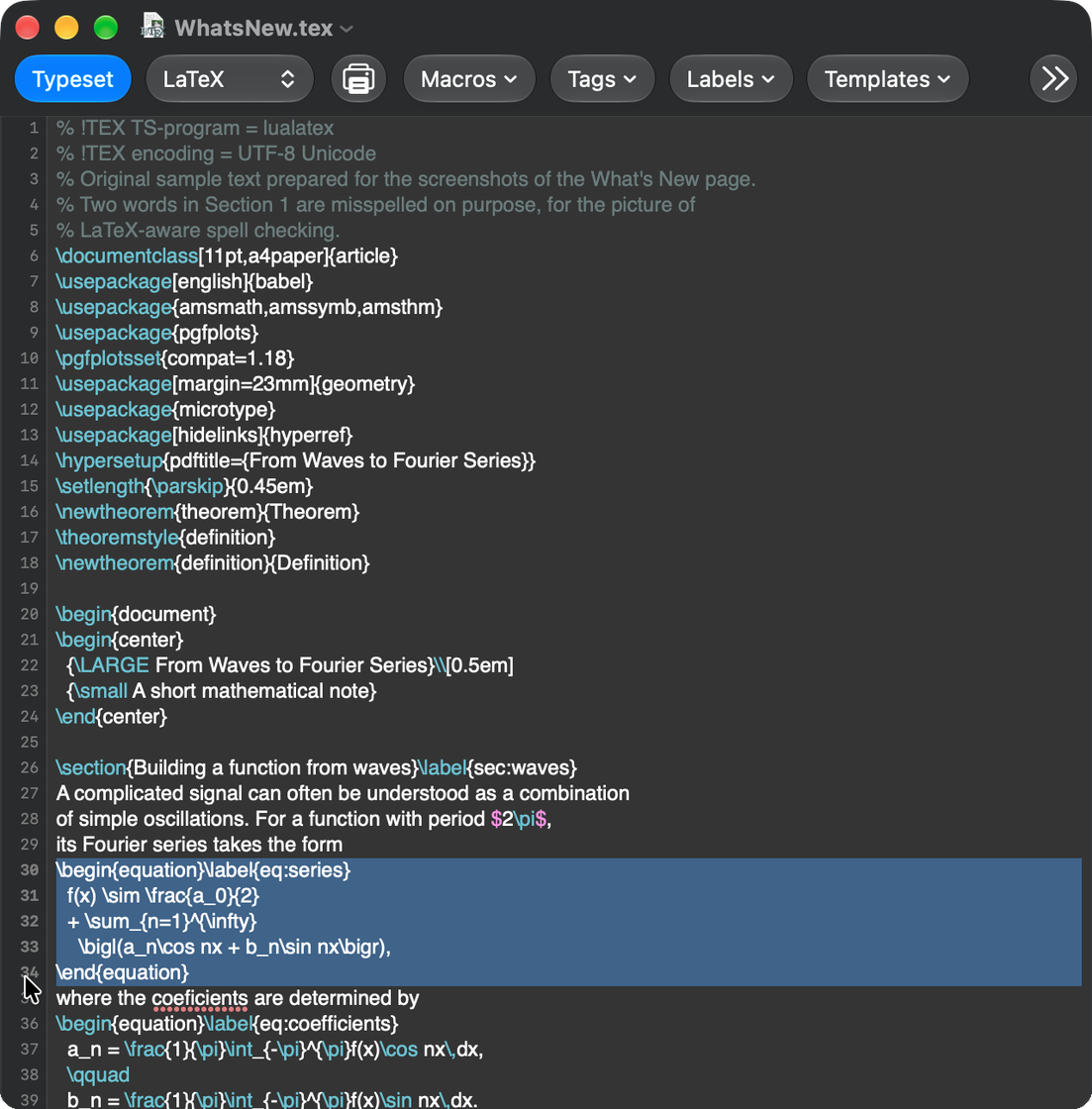
Click or drag over the line numbers to select whole lines.
A new app icon made for the design of macOS 26 Tahoe and later. Moreover, the Dock icon can go back to the familiar designs of the past while TeXShop is running, in Settings → General.
All changes, and how to get the earlier behavior back, are in the release notes